Cloud voice / BYOK01
ElevenLabs
Use your own ElevenLabs API key.
Direct connection · Word highlighting when alignment validatesSPEAK-O / BYOK ARTICLE READER
Use your ElevenLabs or Speechify API key. No key? Use Chrome Voice. Speak-O reads web articles—including X Articles—and highlights your place as it goes.
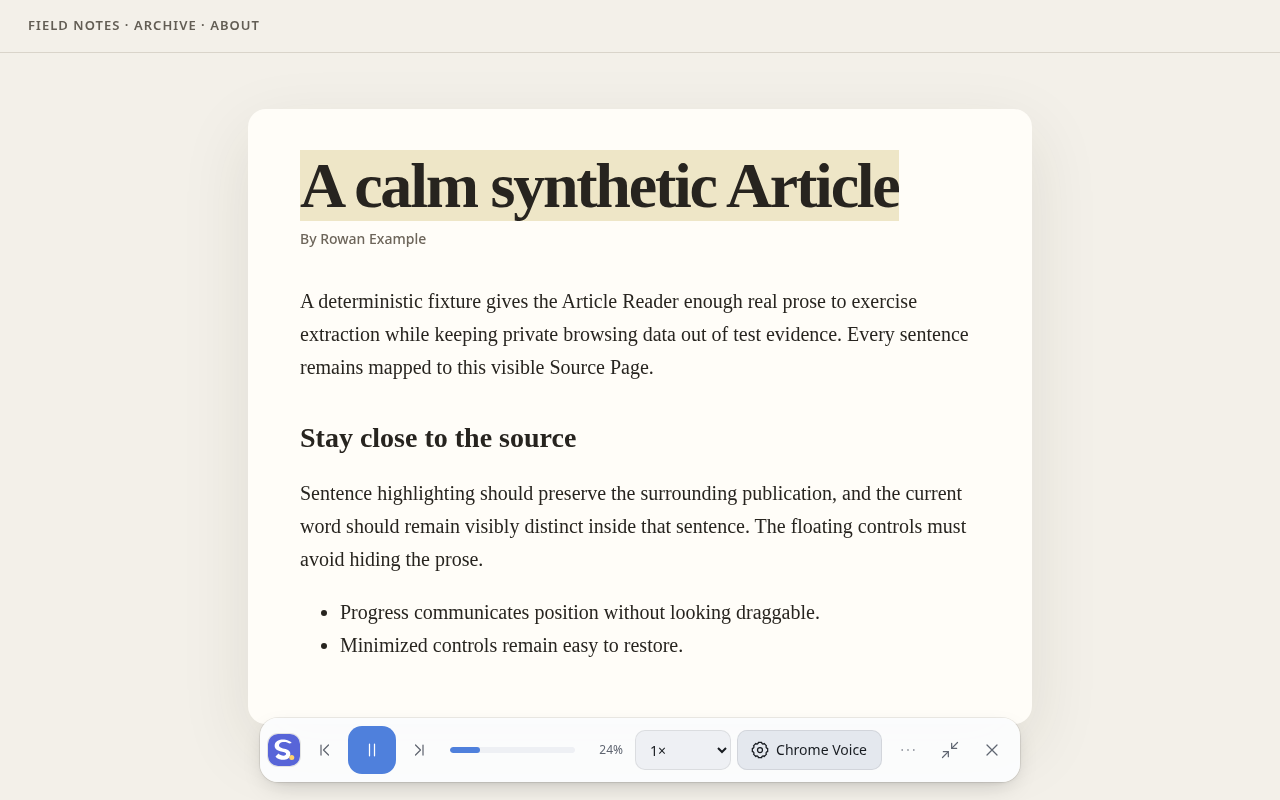
ElevenLabs and Speechify use your own API key. Chrome Voice works without one.
Use your own ElevenLabs API key.
Direct connection · Word highlighting when alignment validatesUse your own Speechify API key.
Direct connection · Sentence highlightingUse a voice exposed by Chrome or your operating system.
No provider account · No API key requiredYou choose the provider. Speak-O never switches providers behind your back.
Playback and sentence controls stay on the page.
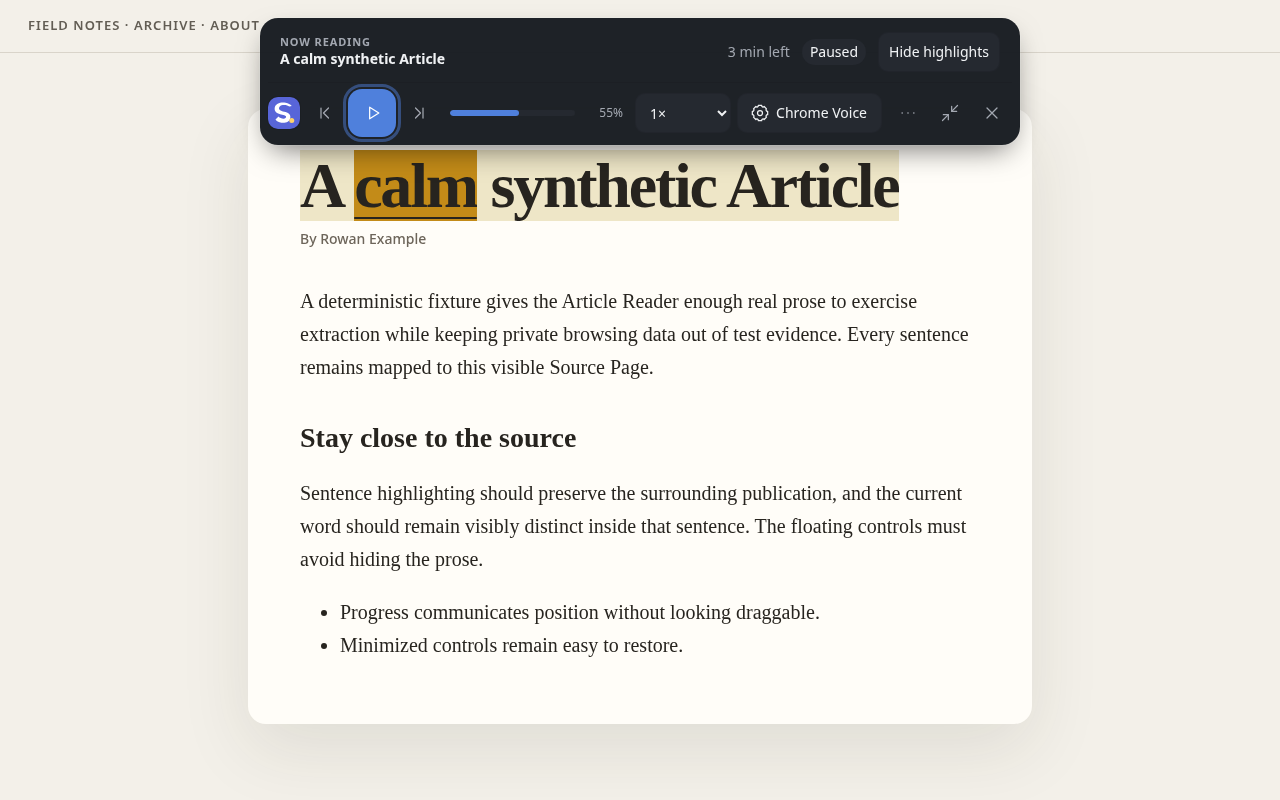
ElevenLabs word highlighting appears when alignment validates.
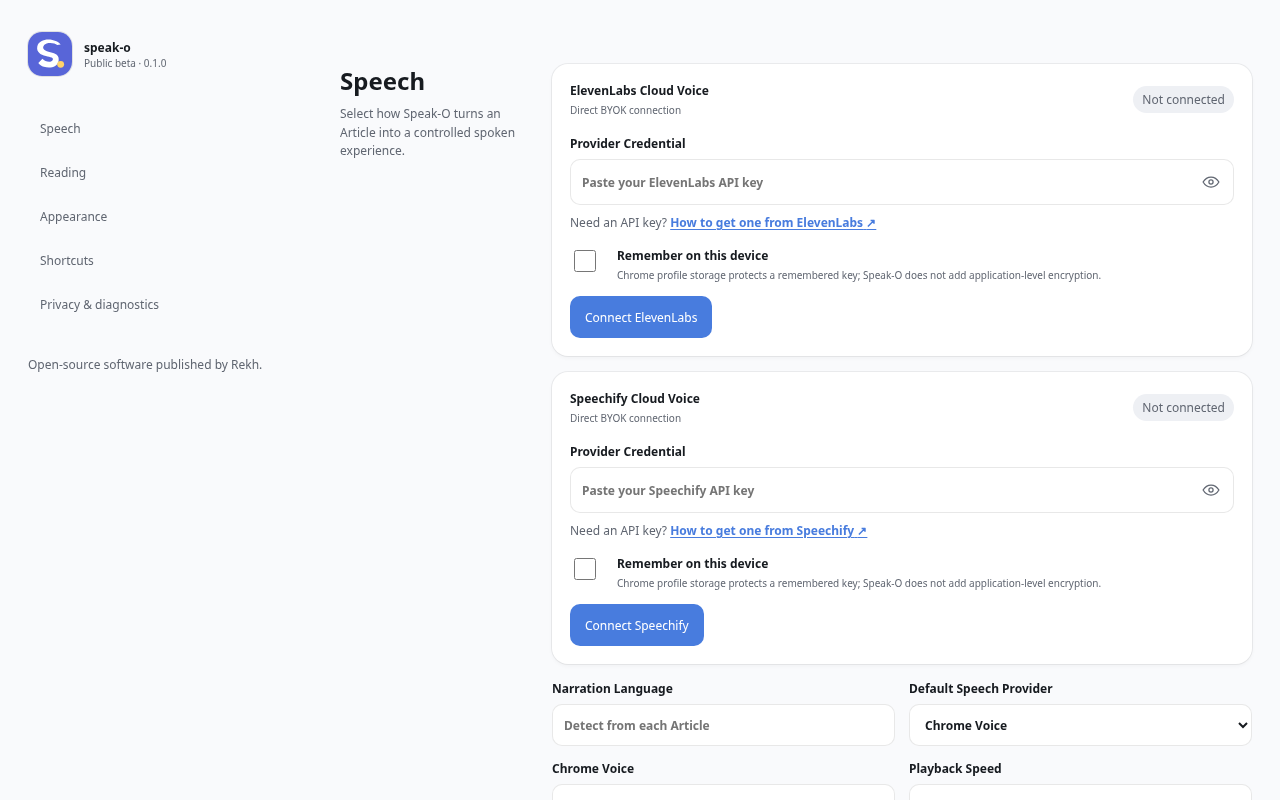
All three voice choices live in one settings screen.
Speak-O is open source and accountless. Rekh does not run a speech relay or receive your API keys.
Apache-2.0 source, releases, and issue tracking are public on GitHub.
Cloud text goes from the extension directly to the ElevenLabs or Speechify provider you select.
Speak-O does not save article text or reading history. Provider credentials are session-only unless you choose to remember them.
No Speak-O account, subscription, analytics, or telemetry.
04 / INSTALLCHROME 124+
Free, open source, and usable without a cloud voice provider.
Install Speak-O