

One place for two brokers
Keep Zerodha and ICICI Direct accounts in one extension, with each broker's login flow kept separate and user-initiated.
BROKER LOGIN ASSISTANT / CHROME EXTENSION
Broker Login Assistant is a Chrome extension that lets users save and sync their own Zerodha and ICICI Direct login credentials across Chrome browsers and start a broker sign-in only after choosing an account and initiating the login. It is now live on the Chrome Web Store.
Broker Login Assistant fills verified broker login flows only after you select an account and start the action.
Keep Zerodha and ICICI Direct accounts in one extension, with each broker's login flow kept separate and user-initiated.
Sign in with Google to retrieve the same Rekh cloud records across your Chrome profiles and machines.
The extension does not persist broker login IDs, passwords, or TOTP secrets in Chrome storage. Login requires network access.
Sign in to sync your broker accounts, then choose the exact account and broker flow you want to start.
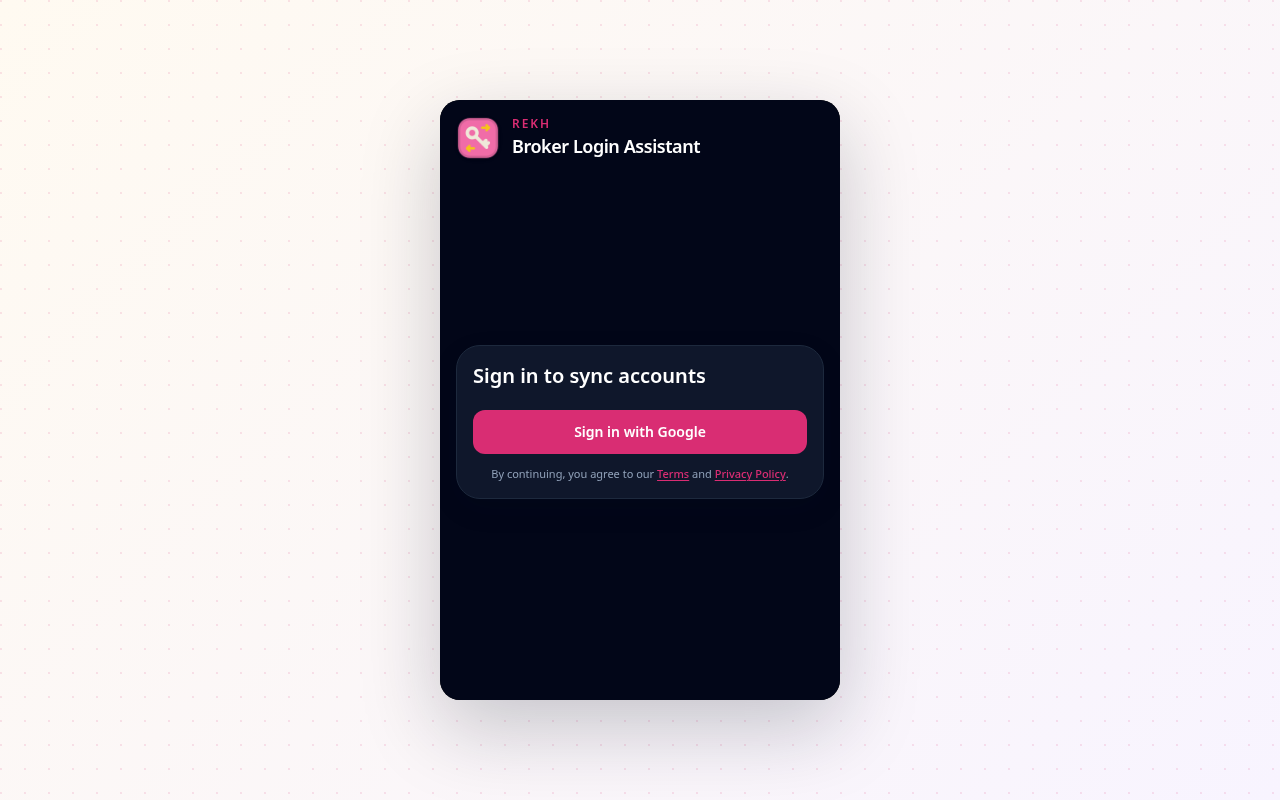
Use your Rekh account to securely retrieve the same saved broker records across Chrome profiles.
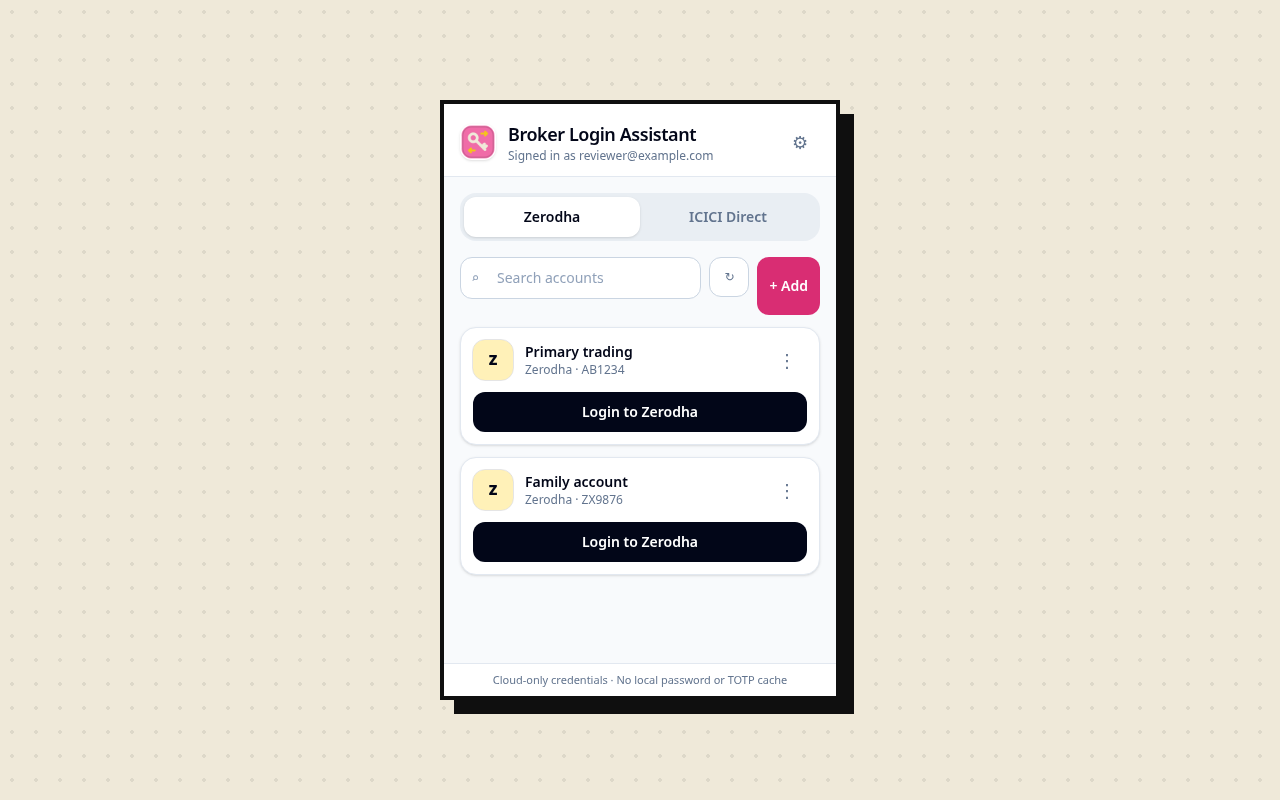
Search saved accounts, switch between supported brokers, and start only the login you intend.
Core account saving and login automation remain available without payment. Pro only raises the per-broker account limit.
₹0 / $0
One saved account for each supported broker.
₹999/ year · India via Razorpay
$9.99/ year · International via PayPal
Pro renews automatically each year until canceled. Rekh—not Google—is the seller. See the cancellation and refund terms before upgrading.
The convenience is real, and so is the operator-access boundary. We make both visible before Google sign-in or the first cloud save.
Your Google name, email, profile image and sign-in identifiers; broker account name, login ID, password, and TOTP secret; plus session security metadata.
Data travels over HTTPS. Cloudflare D1 encrypts stored data at the provider layer using AES-256-GCM.
Authorized Rekh or Cloudflare infrastructure operators can technically query credential values. This product is not a zero-knowledge vault.
Delete individual broker records or the complete Rekh account from extension settings. Deleted data may remain in D1 recovery history for up to seven days on Workers Free.
Provider details: D1 data security and D1 Time Travel.
05 / SUPPORTREKH / WORLDWIDE
Read the policies, see troubleshooting guidance, or contact Rekh. Never send us a real broker password or TOTP secret.
Open support